other.WORK / STUDIO / CONTACT
INDEPENDENT BY DESIGNMake room
Make room
for a point of view.
Considered work. Clear thinking. Details that belong together.
Explore the practice ↗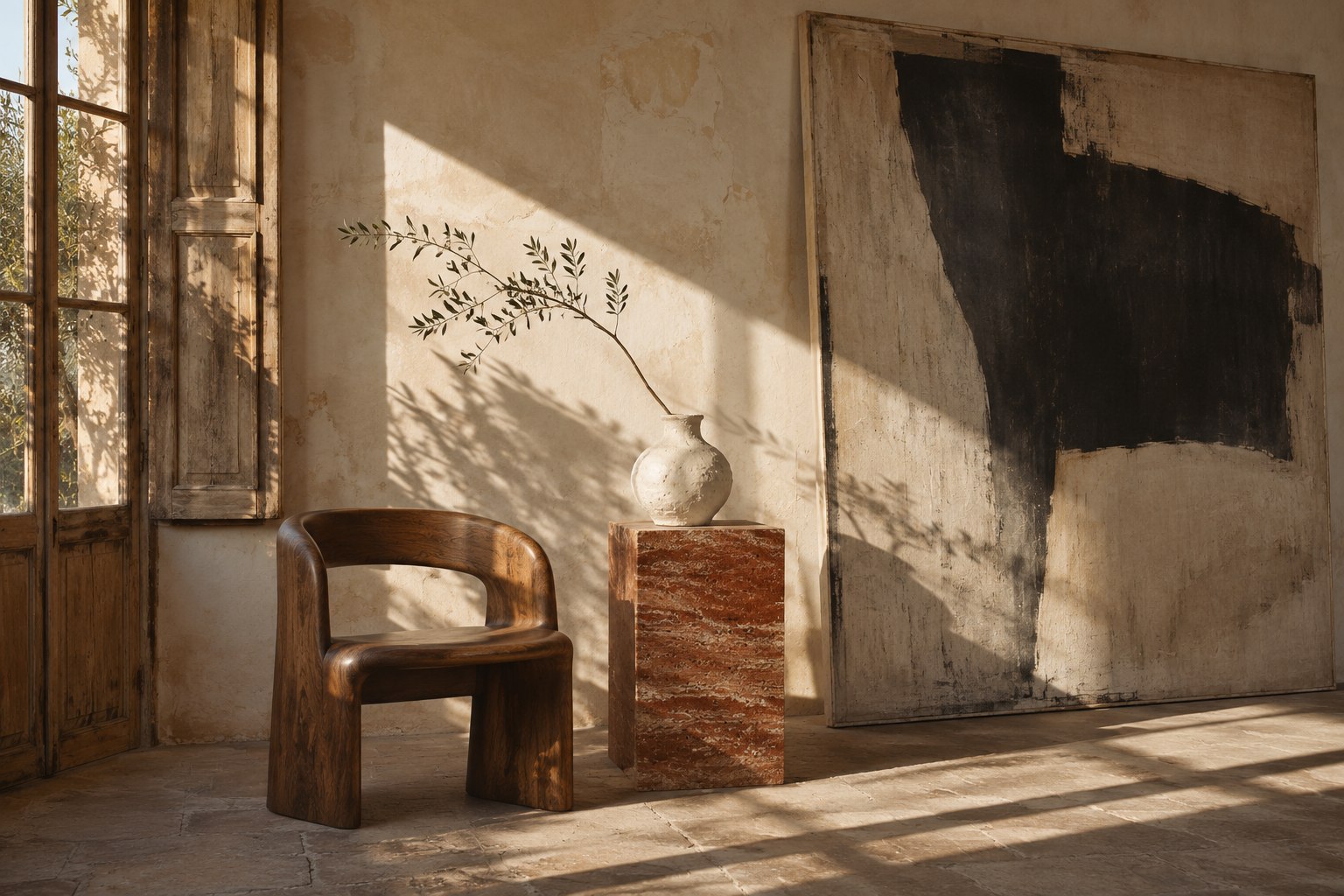
INSIDEEE SOLUTIONS / 02
Use AI for a starting point and your judgement for everything that makes it distinctive. Compose, refine and build a reusable design language that belongs to you.
Private beta. Access by invitation.Considered work. Clear thinking. Details that belong together.
Explore the practice ↗Choose a direction, then adjust the composition and headline size.
FOR DESIGNERS WHO CARE ABOUT THE DETAIL
For independent designers and small studios building portfolios, brand websites and considered client work. Explore beyond the first composition.
Give selected work space to speak. Use typography, pacing and imagery to create a deliberate introduction.
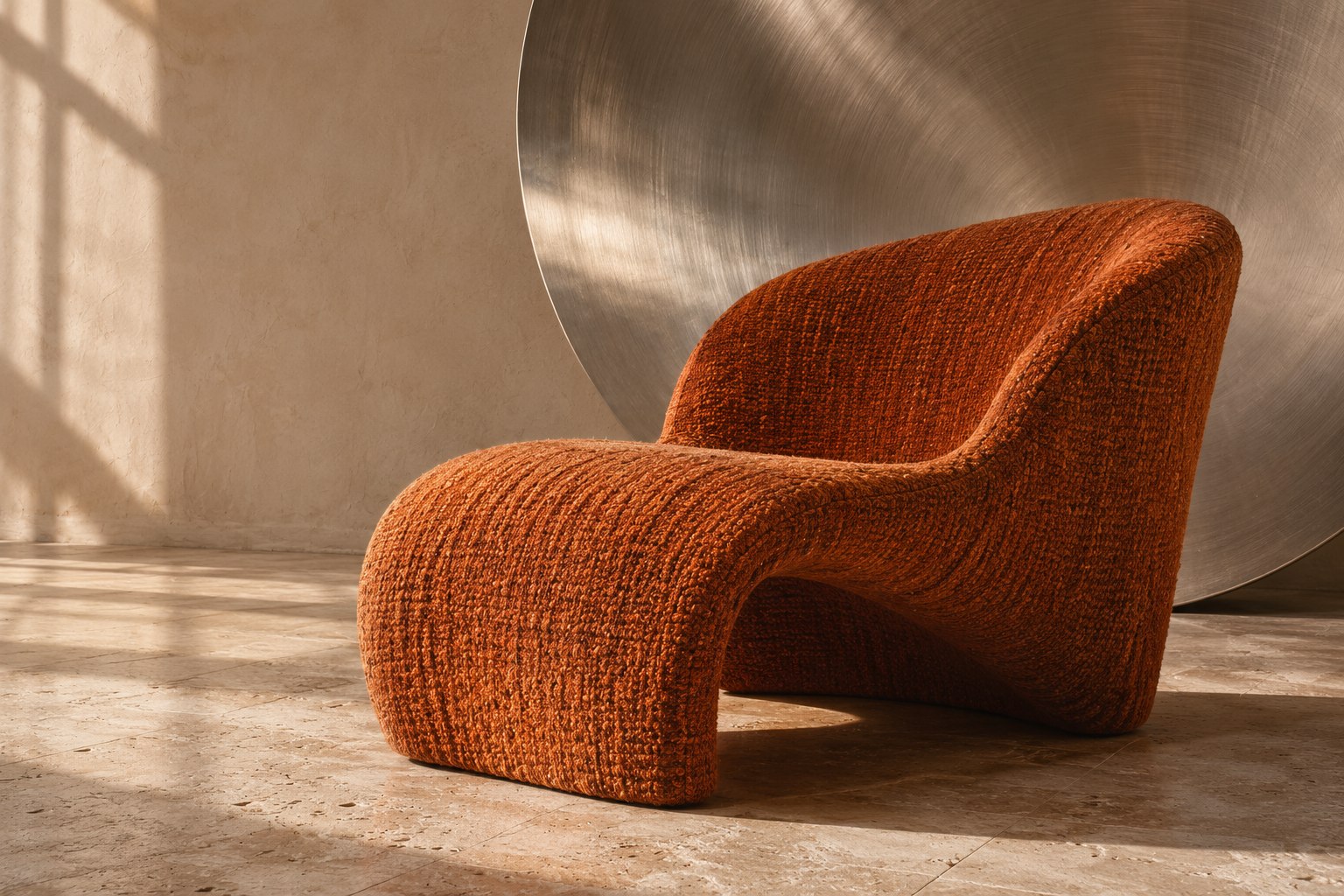
Explore dimensional imagery and intentional movement. Keep the message readable and the interaction understandable.

Build a visual language that carries through the hero, project cards, contact page and phone experience.
Visual studies and fictional scenarios, not customer websites or proof of business results.
THE TOOLS BEHIND THE WORKFLOW
Nested containers, Grid and Stack, alignment and responsive spacing give structure to your ideas.
Explore the feature ↗Create connected components, define variants and keep copy-specific text and imagery. Save reusable work to your private library.
Explore the feature ↗Choose element interactions or sequence an entire section. Preview timing and phone behaviour before applying.
Explore the feature ↗Choose the hierarchy, mood and main interaction before adding effects. References help explain your intent.
Build the recurring details as components. Test long titles, different images and compact screens, not just the ideal sample.
Compare AI proposals, check the design and verify the real site. Keep saved versions as the project evolves.
BEFORE YOU BEGIN
The workspace editor includes image uploads, font choices and colour controls. Check that you have the rights to use the assets and fonts in the project.
Not yet. A public marketplace is a future ambition. The current reusable component library is private to your workspace.
No. It is a small composition example. The real editor includes element selection, layout controls, responsive settings, components, animation previews and saved versions.
OTHER WAYS TO BUILD INSIDEEE
LET’S START WITH YOUR PROJECT
Tell us what you want to create. We’ll discuss access, the capabilities you need and the limits of the current beta.
Request an invitation ↗Invitation-only · No public subscription purchaseA little theatre. A clear intention.
Explore six ways to give your website a character you can feel.
Every element has a role.
Give it the right entrance.
The same recipes are available in the editor. Previews use no AI credits. Reduced-motion preferences are respected.
Not another ordinary button.
Eight ways to invite a click. Two cards with another dimension. Yours to build with.
Layers catch your movement. The content and controls stay right where you expect them.
Light, rings and perspective. A sculptural detail you can add to your own composition.