FORMA / ARCHITECTURESpaces made
Spaces made
for living.
Considered materials. A thoughtful point of view.
Explore our work ↗INSIDEEE PLATFORM / 01
Turn a clear business brief into a direction you can review. Guide the first draft, discuss improvements and keep control of what changes.
Explore freely. Workspace access is by invitation.Considered materials. A thoughtful point of view.
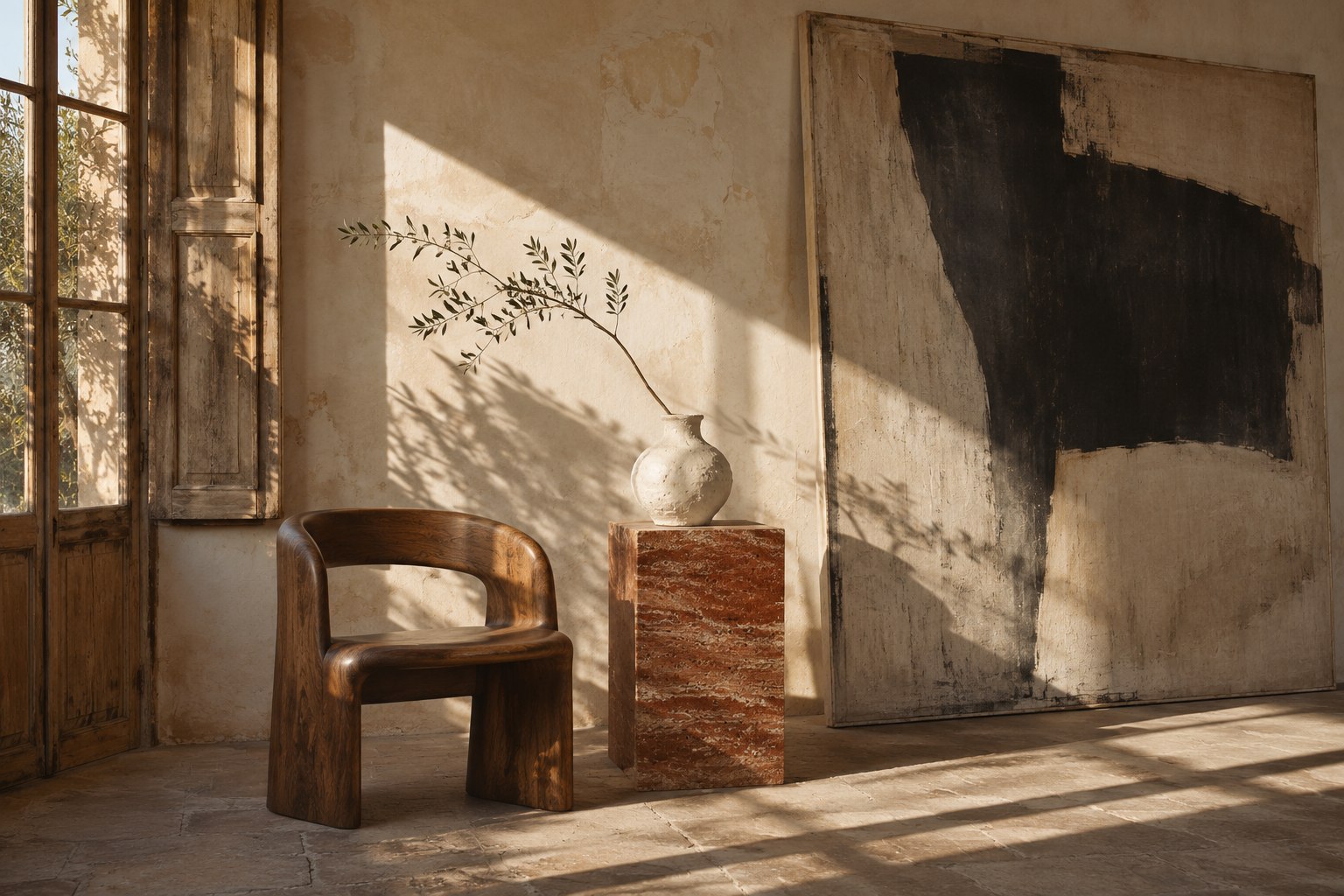
Explore our work ↗A portfolio-first architecture example with warm imagery, clear hierarchy and an invitation to explore the work.
Change the brief, then preview the prepared direction.
START WITH WHAT MAKES YOU DIFFERENT
Add your audience, services, goals, required pages and brand assets. Explain what visitors should understand and do.
Use visual references to explain hierarchy, texture and motion. Say what you like about them instead of expecting an exact copy.
Read the draft, check the facts and ask for focused changes. AI proposals remain separate until you choose to apply them.
IN YOUR WORKSPACE
Use the example to understand the idea.
Bring your own context to the real project.
Your own content, contact details and authorised images make the brief more useful.
Try “Give the services more space and make the contact action clearer” instead of “Make it better”.
Review claims, imagery and the phone experience. AI creates a starting point, not a promise of a perfect result.
GOOD TO KNOW
No. It combines prepared example content and images so you can explore the idea without an account or AI usage. Real generation happens inside your invited workspace.
Manual editing and public demos do not call AI. Generating or refining with AI uses your workspace allowance; review usage in your account panel.
KEEP EXPLORING PLATFORM
YOUR NEXT CHAPTER STARTS INSIDEEE
We're building with invited testers. Tell us what you would love to create.
Request an invitation ↗Private beta · No public subscription purchase